

Here are the latest updates released since the last product update. If you experience any issues or notice features not working as expected, please contact us at sales@ch-aviation.com
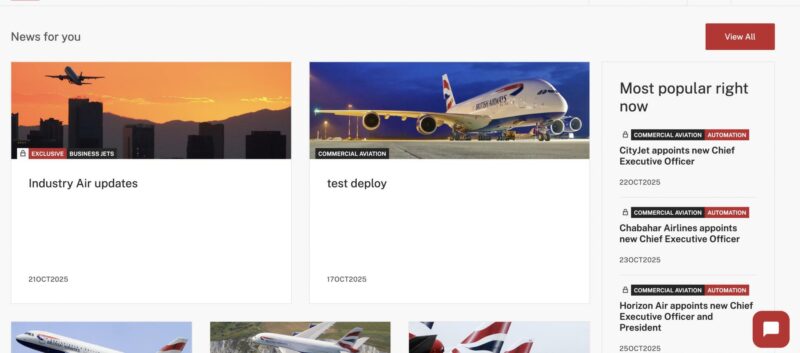
“News for You” Section Now Optimised for You
Before, the “News for You” section displayed the same articles as “Most Popular Right Now.” Now it shows the most read articles from the same industry, so the content is more relevant to you.
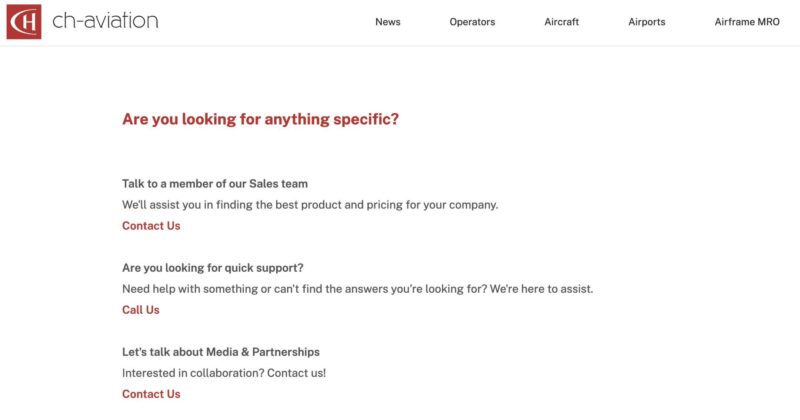
Contact Us Page – Links Updated
The links on the “Contact Us” page didn’t work properly. They’re now updated and working as expected.
Safari Browser Issues Fixed
Some Safari users had problems with:
- A black screen appearing when opening Advanced Search
- Misaligned layouts on search pages
Both problems have been fixed, and everything now works and looks as it should.
Newsletters – Delivery Issue Fixed
Some users weren’t receiving newsletters regularly. The issue has been resolved, and newsletters are now being delivered normally.
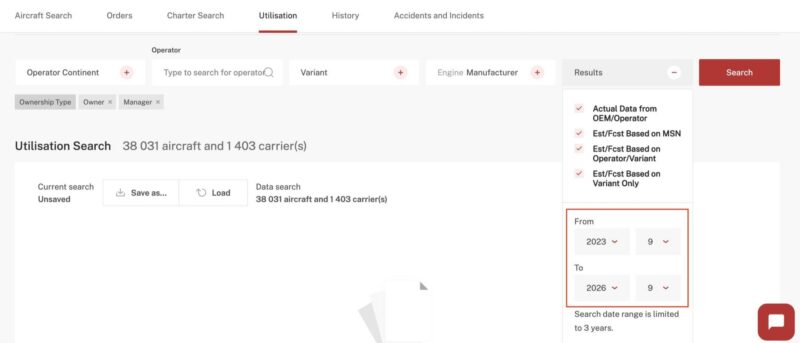
Utilisation Search – Updated Default Date Range
The default date range in the “Results” field has been updated:
– “From” field is calculated by formula: current year – 2 years
– “To” field is calculated by formula: current year + 1 year
The dates can still be changed manually, as long as the range stays within three years.
Aircraft Search – “On Order” Filter Fixed
When users searched for aircraft with the “On Order” status, results sometimes included active aircraft. This has been corrected, and the filter now shows only aircraft that are actually on order.
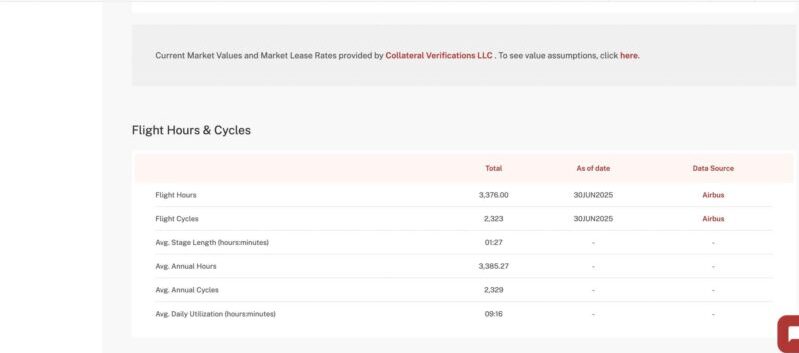
Aircraft Details Page – Source Deeplink Fixed
The deeplink in the “Data Source” field didn’t work when clicked on. It has been fixed and now directs to the appropriate data source provider.
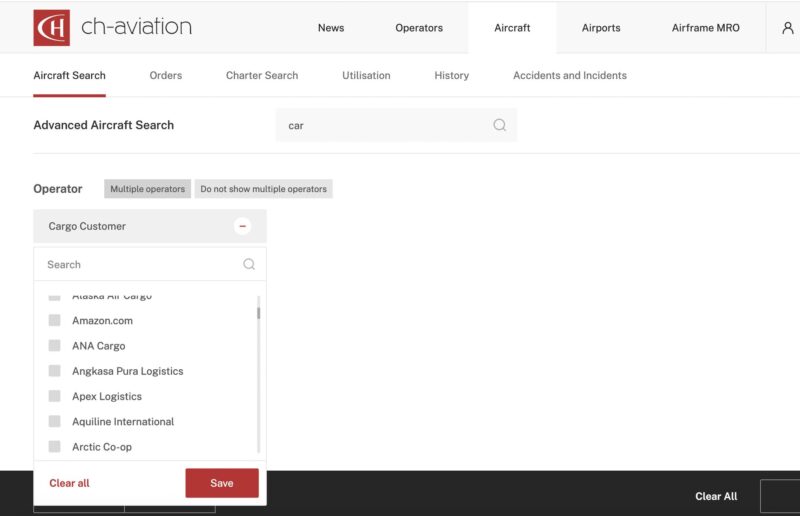
Aircraft Search – Fixed “Cargo Customer” Duplicates
The “Cargo Customer” field in Aircraft Search occasionally displayed duplicate names, example: “Amazon.com” appearing multiple times. This has been fixed, and the list now shows only distinct customer entries.
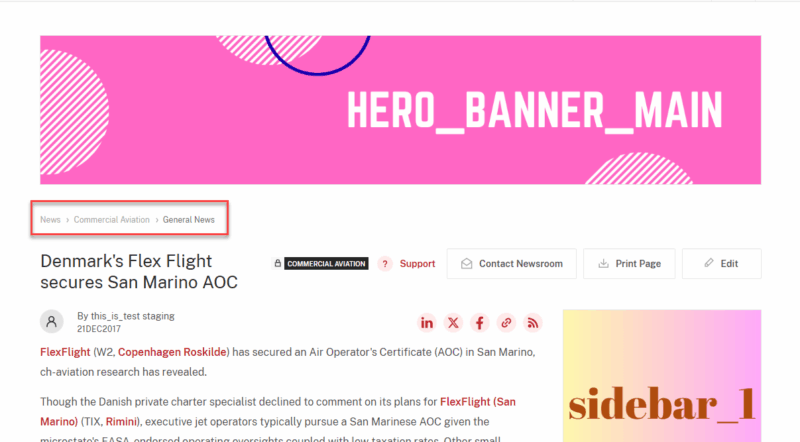
News Breadcrumb – Added Correct Deep Links
The breadcrumb in the News section did not correctly link to related search pages.
Hyperlinks have now been added so each breadcrumb element opens the appropriate News Search view:
- Clicking News leads to the general News Search without preset criteria.
- Clicking a News Segment opens News Search filtered by that segment (e.g., Commercial Aviation, Business Jets).
- Clicking a News Type opens News Search filtered by both the segment and the specific news category.
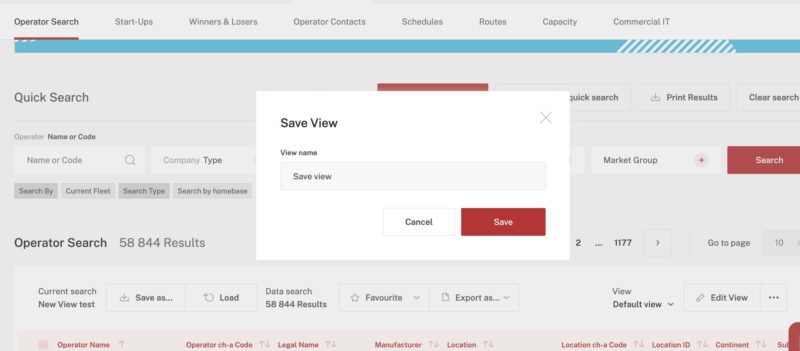
Save View Function – Fixed Error While Loading Results
Previously, users could receive an error when trying to save a view before all results had finished loading. The issue has been resolved, and views can now be saved successfully even while results are still loading.
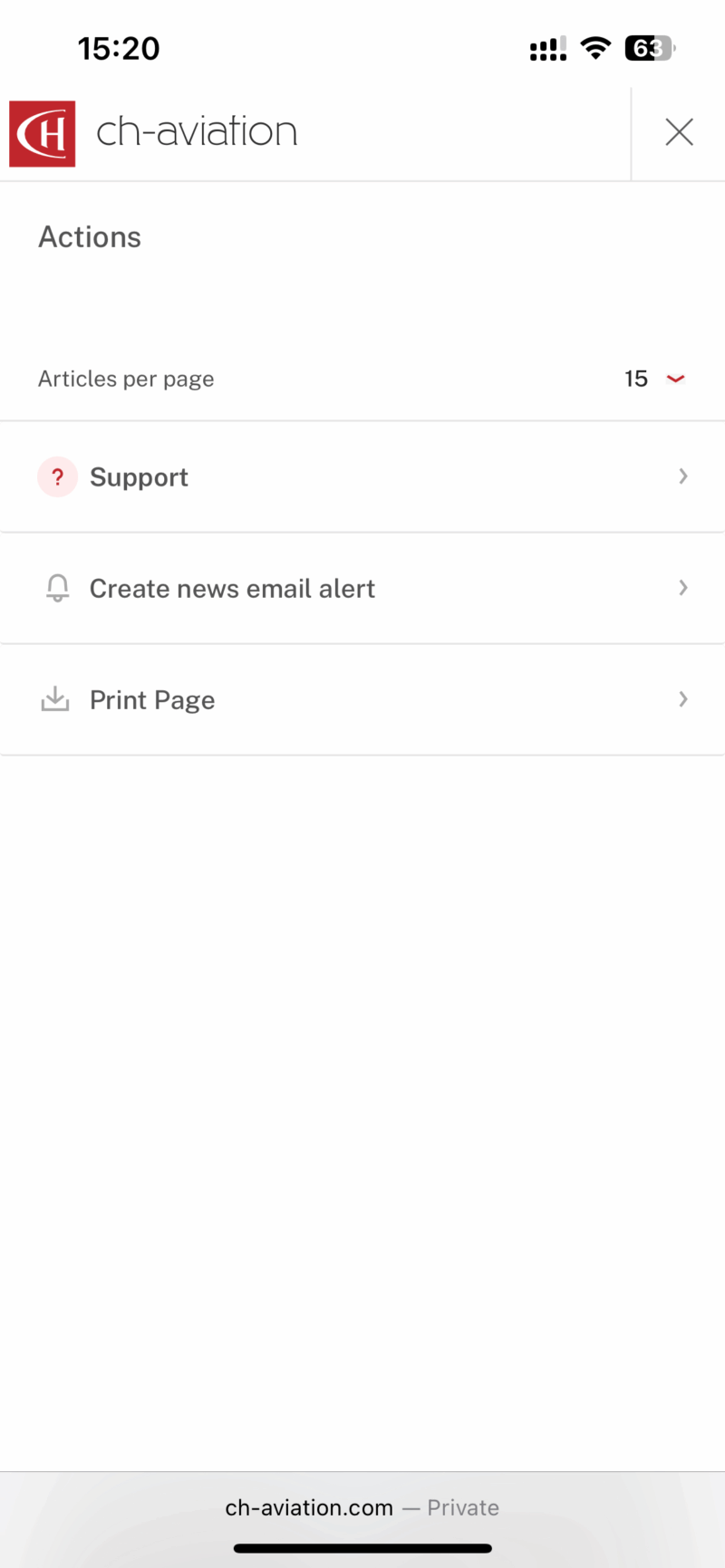
“Create News Email Alert” – Mobile Text Overlap Fixed
On mobile devices, the “Create news email alert” text overlapped with other interface elements. This has been fixed by moving the action inside the menu, ensuring proper spacing on all screen sizes.
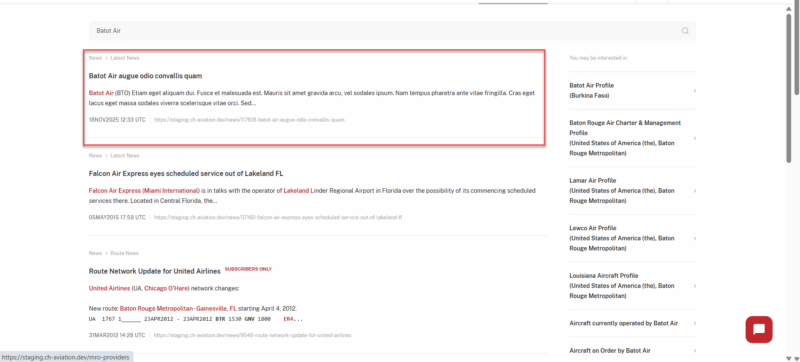
Global Search – Latest News Display Fixed
When searching by operator, Global Search sometimes displayed only the most recent queued article and did not show fully published items. The indexing process now updates hourly, and published articles appear correctly in Global Search.
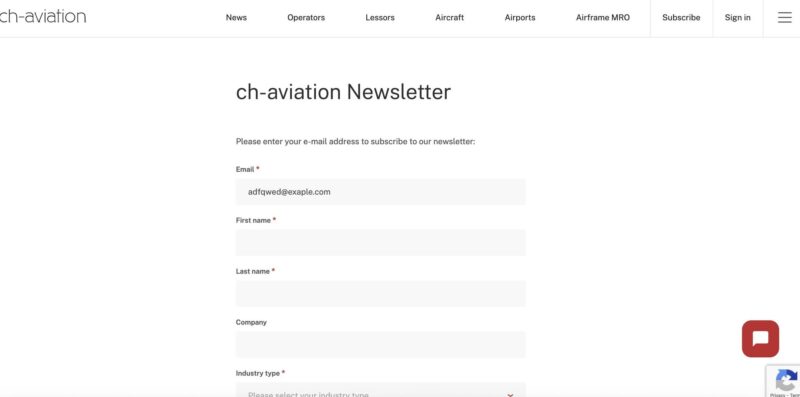
ReCAPTCHA & Chatbot – Overlapping Icons Fixed
The ReCAPTCHA badge overlapped with the chat icon on certain pages. We adjusted the layout so both icons now display correctly without interfering with each other.
This concludes all changes made with this update. To see the change notes for previous updates, please click here.